Map the Surfaces
Every surface and the people behind it: administrators, residents, installers, leasing agents, maintenance teams, and factory staff. Each role got its own view, built on shared foundations.

A smart apartment platform for the US market — one design language across the admin portal, resident app, installer app, hub display, and email.
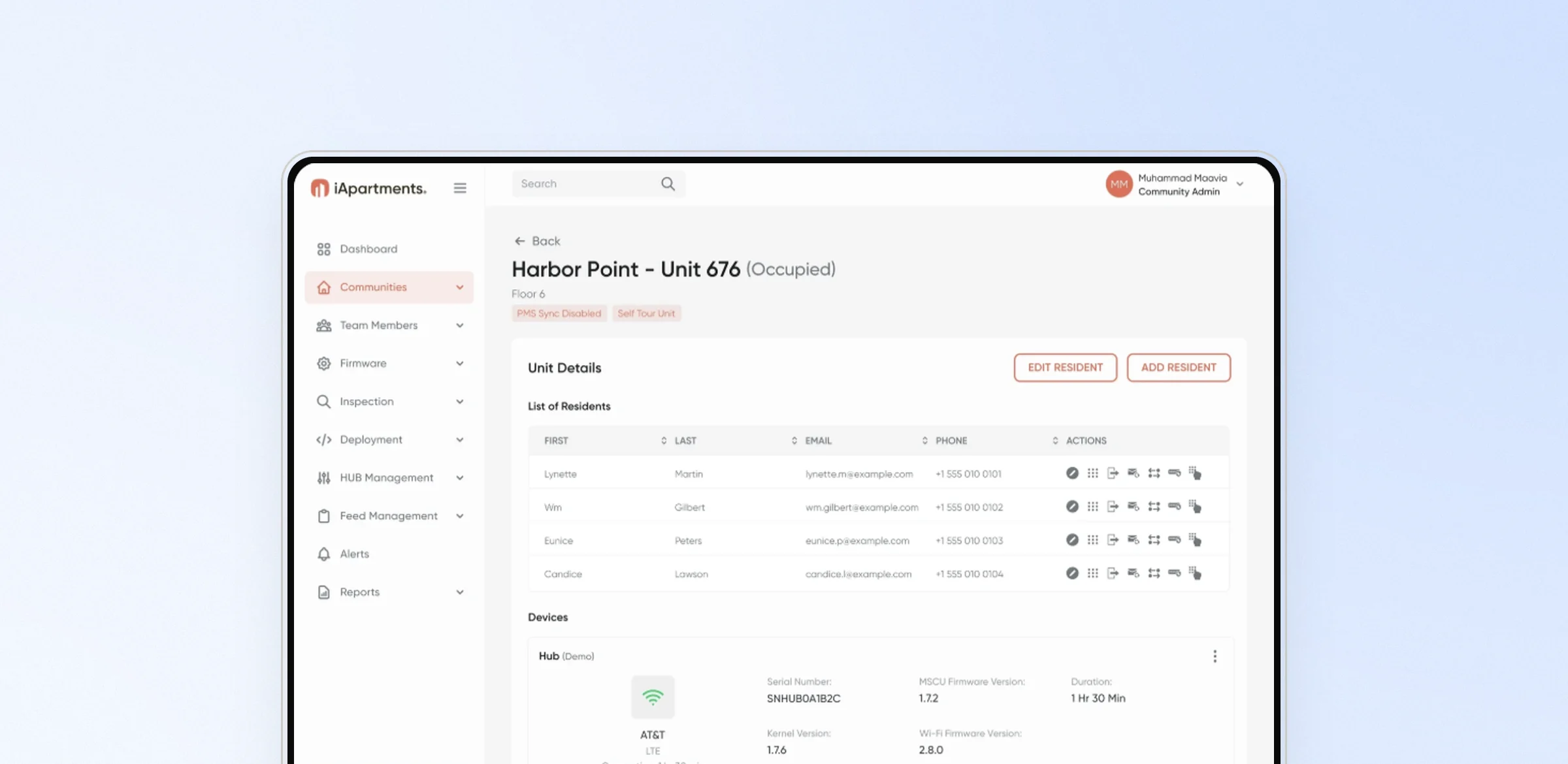
iApartments is a smart apartment platform for the US market. It connects hubs, door locks, thermostats, and leak and temperature sensors across apartment communities, and puts them in the hands of residents, installers, and property teams.
Administrators monitor alerts, firmware, deployments, and hub connectivity from a web portal. Residents control access, devices, and scenes from an app. Installers and site teams commission units from theirs. This work was delivered by AISYS founder Muhammad Maavia before AISYS was founded in May 2026.
One platform serves administrators, residents, installers, leasing agents, maintenance teams, and factory staff — across web, mobile, and a screen on the hub itself. Each had to feel purpose-built, and every surface still had to feel like the same product.
Every surface and the people behind it: administrators, residents, installers, leasing agents, maintenance teams, and factory staff. Each role got its own view, built on shared foundations.
Sign-in with two-factor and Face ID, alerts and alert pop-ups, access and door locks, devices and scenes, leak-sensor and installation flows, and the reports and tables administrators work in all day.
Components and colour tokens documented per surface in a shared visual language, so an alert, a button, or a table behaves the same on web, mobile, and the hub.
Files organised and marked dev-ready for engineering. Existing UI, from the hub display to email, moved through old, redesigned, and refined versions.
The dashboard opens on what needs attention: leaks, humidity, low batteries, lock errors, and offline hubs, each with a live count. Each category opens a filterable list.
The installer app has separate views for installers, leasing agents, maintenance, certified maintenance, and factory workers. Each view is tailored to that role's work.
The resident home screen shows door lock and thermostat state up front, with Away and Home scenes below. Critical events such as smoke detection interrupt with a clear next step.
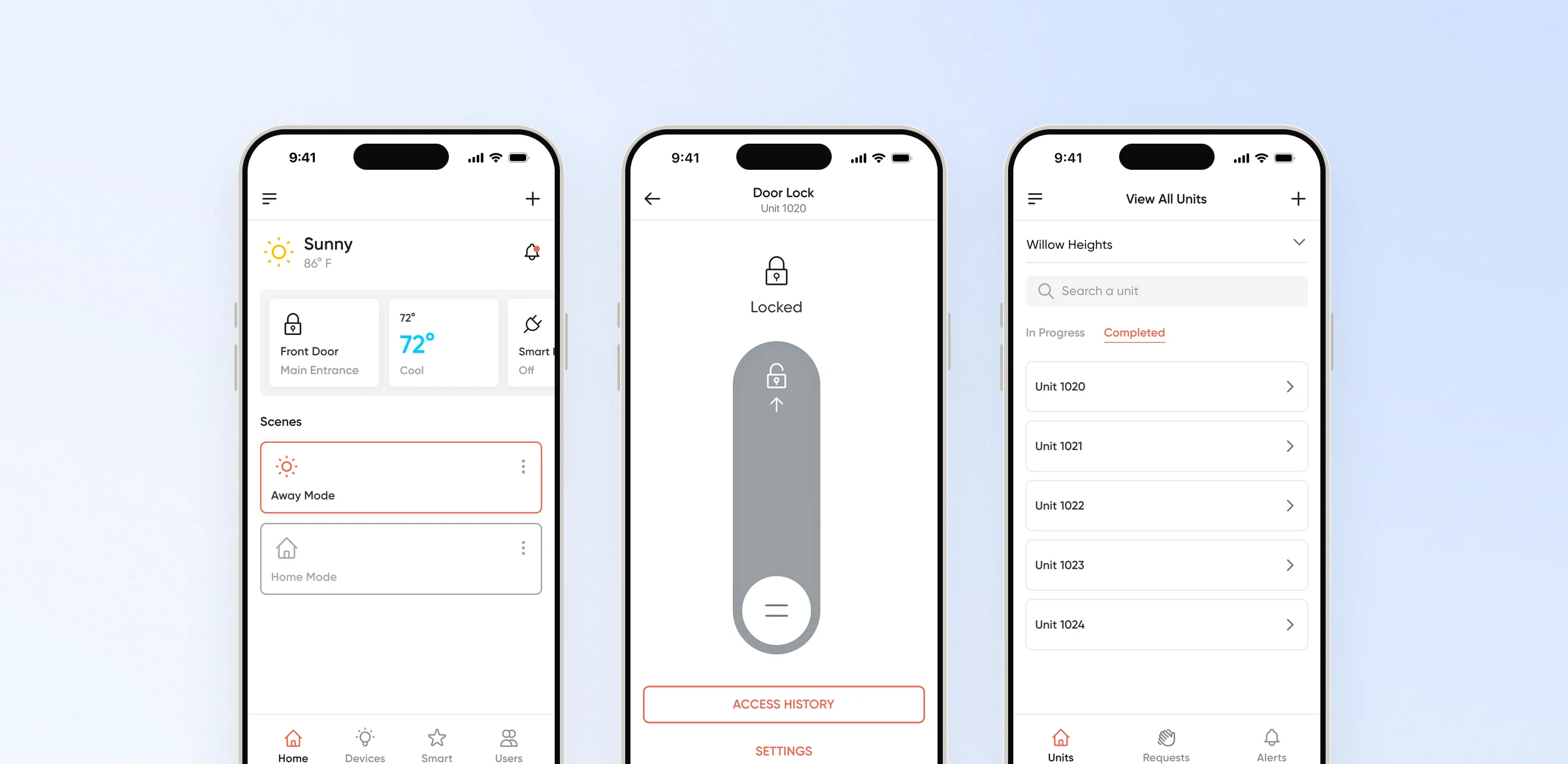
A connected smart-apartment product, from the administrator's dashboard to the screen on the hub, designed as one system and handed to engineering in dev-ready files.
Every engagement begins with a conversation. Tell us what you are working on, and we will tell you how we can help.
Message sent.Thanks for reaching out. We will be in touch by email.